Project
WormaCeptor
Android Library for Monitoring Crashes and Network Request Responses.
- Role
- Creator & Maintainer
- Status
- maintained
- Year
- 2020
- Stack
- Kotlin · Android SDK · OkHttp · Room

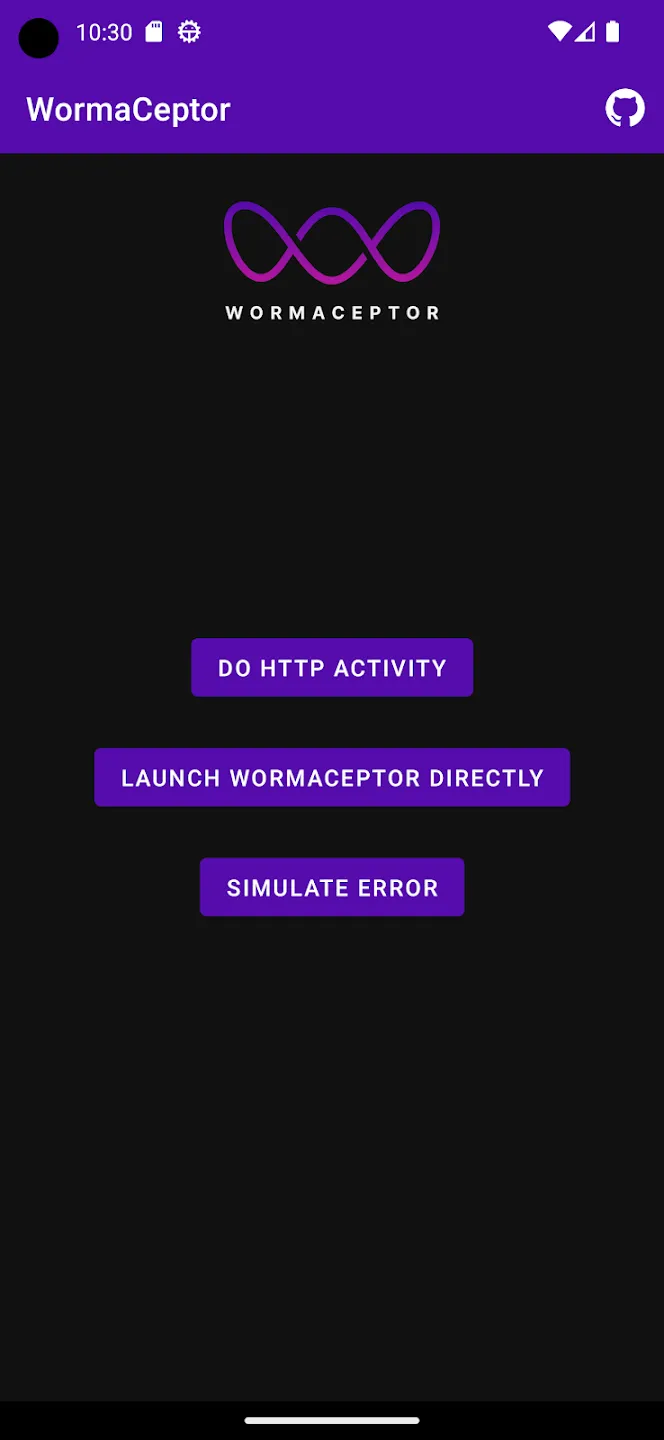
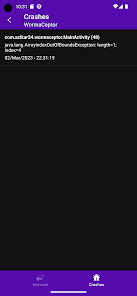
WormaCeptor - Android Library for Monitoring Crashes and Network Request Responses
WormaCeptor is an Android library that provides a simple user interface for monitoring crashes and network request responses in your Android application. This library is designed to help developers identify and debug issues quickly and efficiently by providing real-time data on crashes and network request responses.
Features
- Monitor crashes and exceptions in real-time
- Monitor network request responses in real-time
- Simple and easy-to-use user interface
- Ability to filter and search data
- Easy integration with existing Android projects
Getting Started
To get started using WormaCeptor in your Android application, follow these simple steps:
-
Add the WormaCeptor dependency to your project using Gradle:
implementation("com.github.azikar24.WormaCeptor:WormaCeptor:1.0.0") //if you want it persistence debugImplementation("com.github.azikar24.WormaCeptor:WormaCeptor-persistence:1.0.0") //if temporary //debugImplementation("com.github.azikar24.WormaCeptor:WormaCeptor-imdb:1.0.0) releaseImplementation("com.github.azikar24.WormaCeptor:WormaCeptor-no-op:1.0.0") -
Initialize WormaCeptor in your Application class:
class App: Application() { // you need to add this to the manifest if not yet added override fun onCreate() { super.onCreate(); // .... WormaCeptor.storage = WormaCeptorPersistence.getInstance(this) // WormaCeptor.storage = WormaCeptorIMDB.getInstance() WormaCeptor.logUnexpectedCrashes() // this will only work in persistence WormaCeptor.addAppShortcut(this) } } -
If you want to start the WormaCeptor Activity with shake in the application
class MainActivity: AppCompatActivity() { override fun onCreate(savedInstanceState: Bundle?) { super.onCreate(savedInstanceState) // .... WormaCeptor.startActivityOnShake(this) } } -
Add WormaCeptorInterceptor to OkHttpClient
val okHttpClient = OkHttpClient.Builder()
    .addInterceptor(
        WormaCeptorInterceptor(context)
        .showNotification(true)
        .maxContentLength(250000L)
        .retainDataFor(WormaCeptorInterceptor.Period.FOREVER)
        .redactHeader("Authorization")
    )
    .build()
That’s it! WormaCeptor will now monitor crashes and network request responses in your application.
Using the User Interface
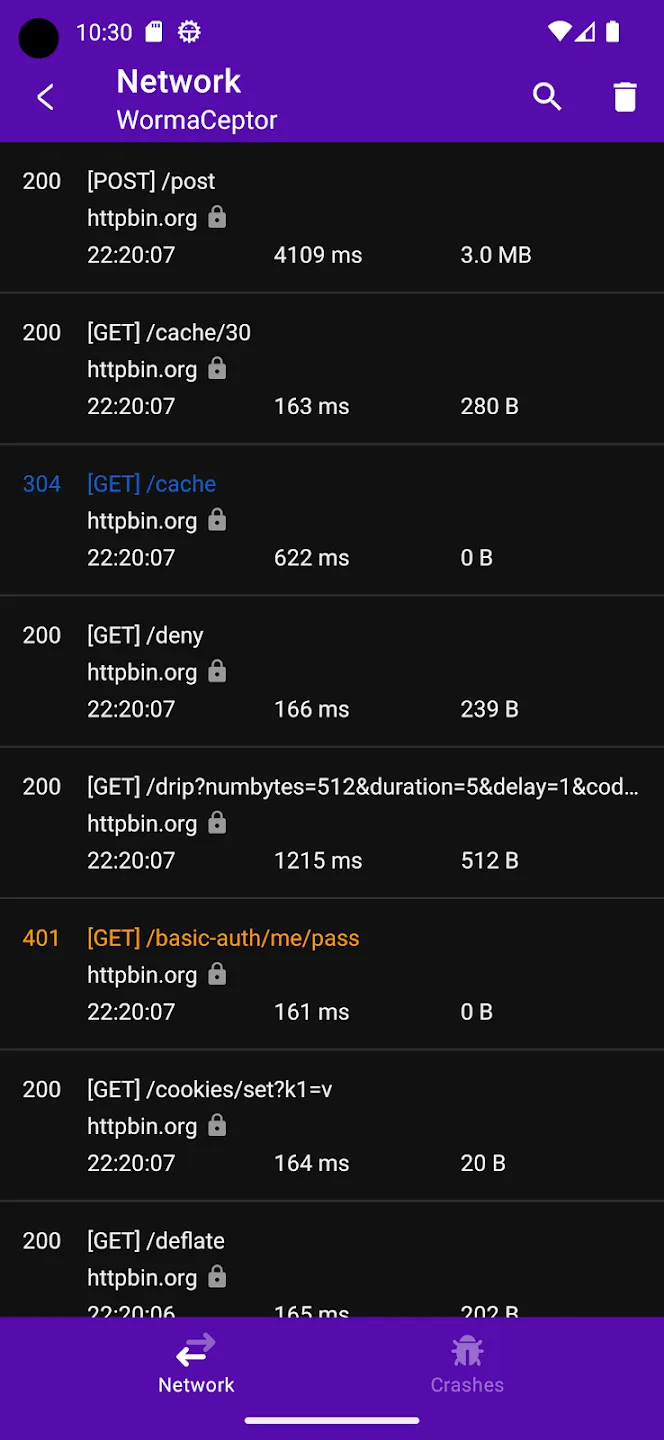
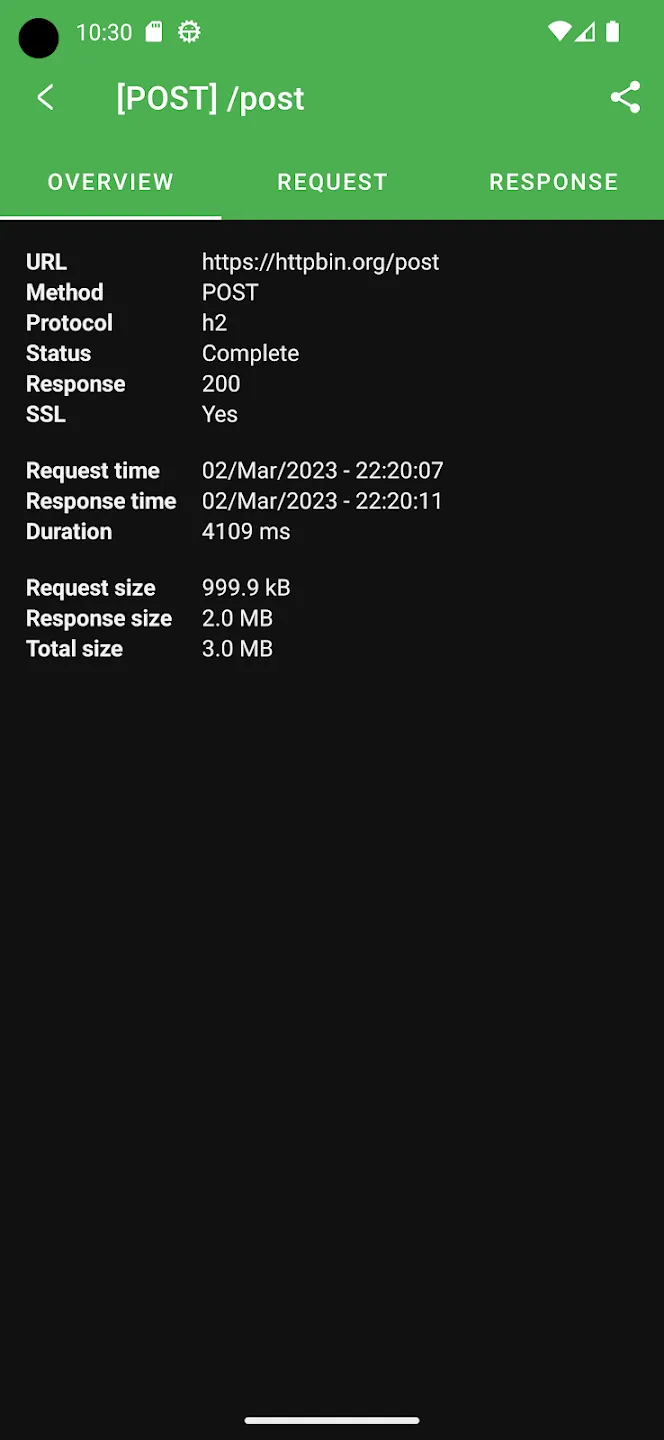
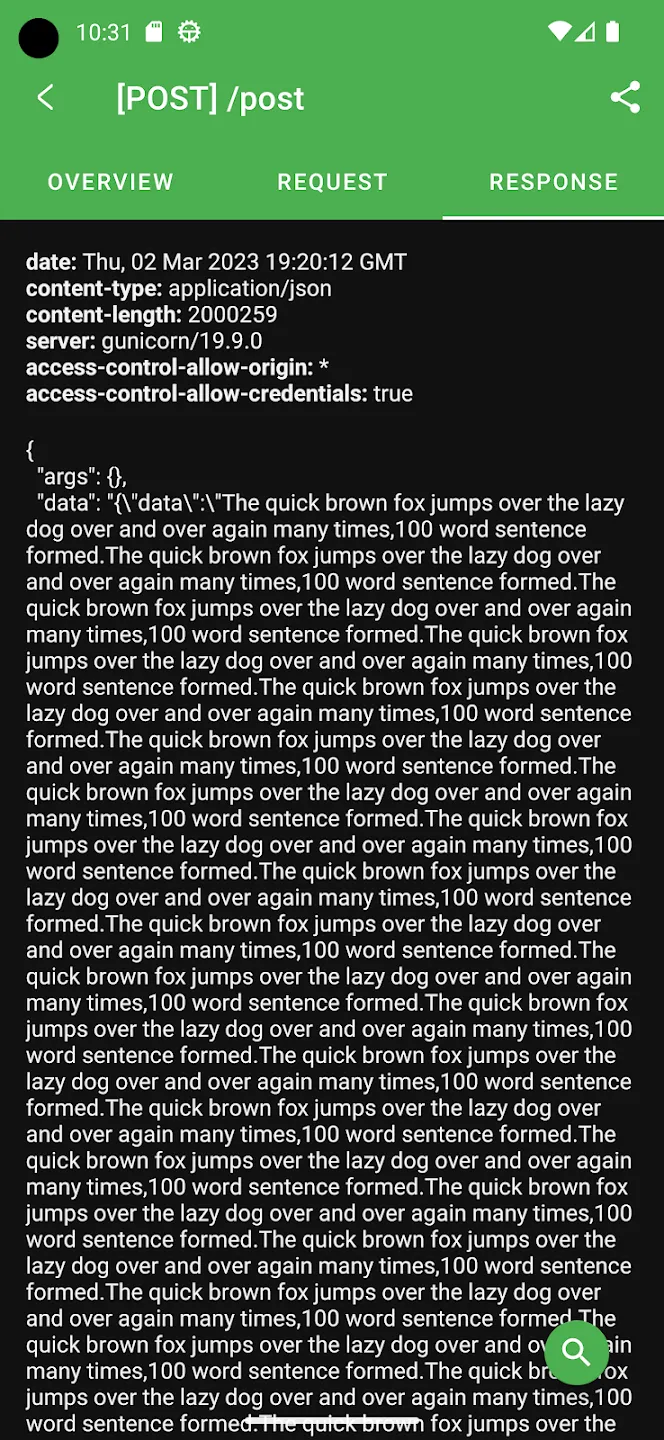
Once you have integrated WormaCeptor into your application, you can use the user interface to view crash and network request response data. To access the user interface, simply shake your device while your application is running, navigate to it from the shortcuts, or reach it from your notification center. The user interface provides a list of crashes and network request responses, with the ability to filter and search the data. You can also view detailed information about each crash or network request response by tapping on it in the list.
Acknowledgements
- Gander - Copyright Ashok-Varma, Inc. Thanks to Ashok-Varma for awesome enhancements. This project wouldn’t have been done without him. I have added some enhancements to the converted it to Kotlin
- Chucker - Copyright Jeff Gilfelt, Inc.
- Taha Fakhruddin - Thanks to Taha Fakhruddin for the amazing logo